E-book· PDF · 6 pages
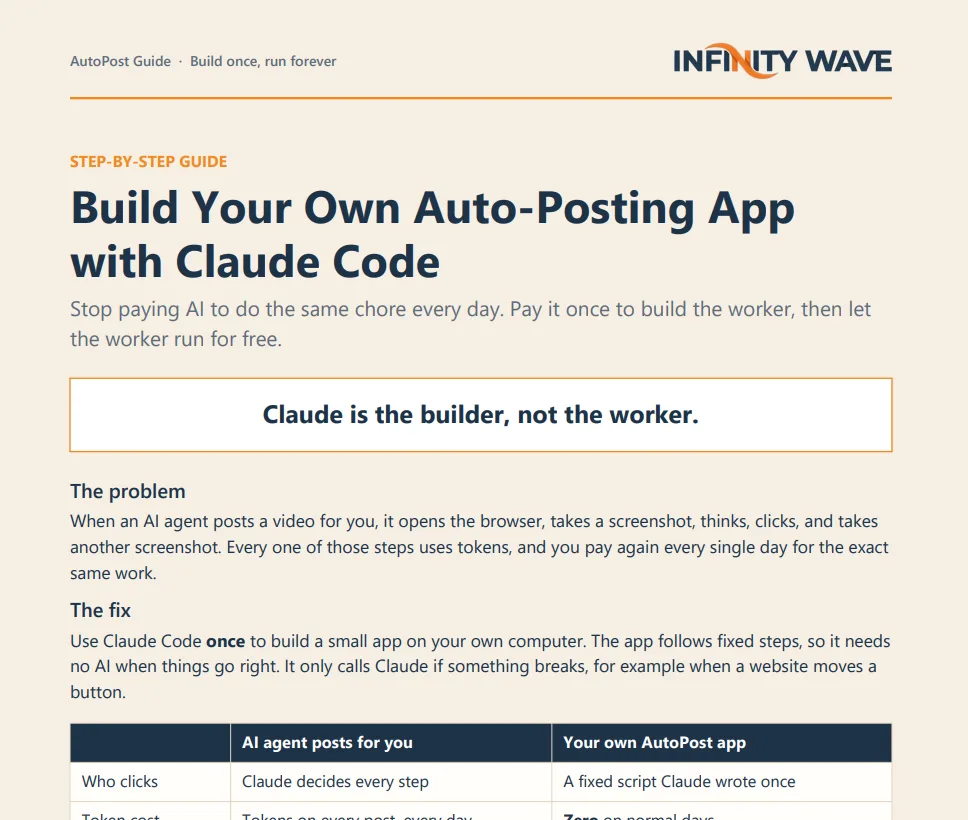
AutoPost: Build Your Own Auto-Posting App with Claude Code
Build your own auto-posting app with Claude Code. Build once, run forever.
- By Infinity Wave AI
Stop paying AI tokens to post your videos every day. This free guide shows you how to have Claude Code build a small app on your computer that uploads your reels on a schedule, using no tokens on normal days.
What's inside
- The "builder, not worker" idea that saves you tokens every day
- Tools to install: Claude Code, Python and Chrome
- Folder setup: drop a video, caption and thumbnail, and the app does the rest
- The copy-paste master prompt that builds the whole app for you
- One-time login in a separate, safe Chrome profile
- Dry-run testing before your first real post
- Daily auto-posting at 7 PM with Task Scheduler (Mac steps included)
- The self-fix trick: the app only calls Claude when something breaks
- Safety tips and a quick troubleshooting table
You'll get
- Downloadable file
About this resource
Everyone is showing Claude Artifacts as mini apps and dashboards. Almost no one talks about the real saving: stop paying AI to do the same chore every day.
When an AI agent posts a video for you, it opens the browser, takes screenshots, thinks and clicks, and every step costs tokens. Tomorrow you pay again for the exact same work.
This guide flips that. You use Claude Code once to build a small app called AutoPost on your own computer. It reads only the folder you choose, opens its own Chrome window with Playwright, and uploads your next video with its caption to YouTube Shorts, Instagram Reels and TikTok, every day at the time you set.
On normal days it uses zero tokens. If a platform changes its layout, the app sends one screenshot to Claude, saves the fix and carries on, so you only pay pennies when something breaks.
No coding experience needed. Paste one prompt, log in once, test it, and schedule it.
More free resources
Browse all resources →
Free
AutoPost: Build Your Own Auto-Posting App with Claude Code